






Having trouble with desktop digital banking or the mobile app?
Find helpful information about your home loan, including payments and online access.




Use our Branch/ATM Locator to find surcharge-free ATMs and Shared Branch locations.
Check out our most popular forms below
- Great benefits
- Friendly environment
- A Top Place to Work
Frequently asked questions
Our routing number is
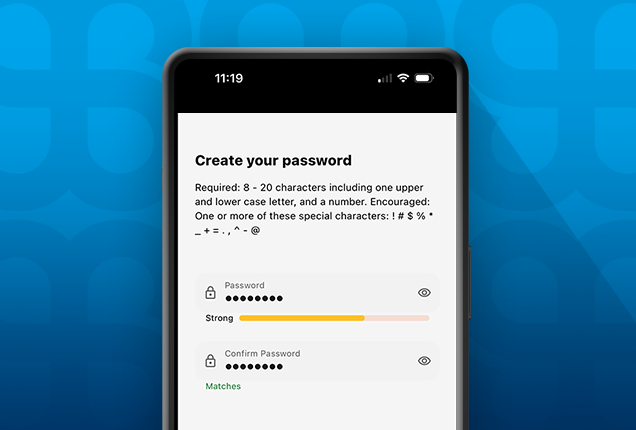
If you’re having trouble accessing your Digital Banking account, don’t worry — we’re here to help!
- If you forgot your password, you can reset it here: Forgot Password.
- If you forgot your username, recover it here: Forgot Username.
- Need a step-by-step walkthrough? Check out our interactive demo: Digital Banking Login Help Demo.
If you continue to experience issues, please contact our support team at 1-800-628-7070 for further assistance.
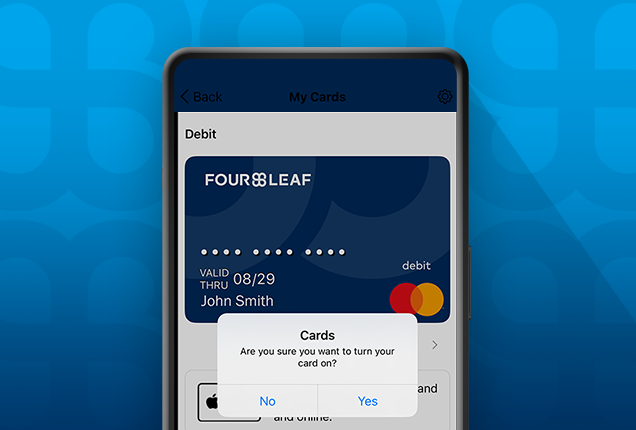
Concerned about unknown charges on your FourLeaf Mastercard Debit card? Is there a charge you are disputing? Contact our Call Center at 1-800-628-7070.
Want to learn more about Fraud and how to protect yourself from scams? Visit our Fraud & Security Center.
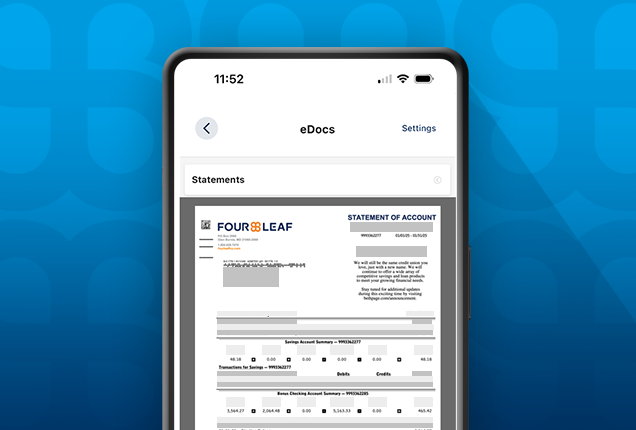
Tax statements (1099s) are mailed to members in late January, at which time they are also available in Digital Banking. You can view your tax statements online by logging into online banking and going to eStatements/Notices.
Not yet signed up for Digital Banking?
Scheduling a phone, virtual or in branch appointment is quick and easy! Just visit our online scheduling page and choose a time that works best for you.
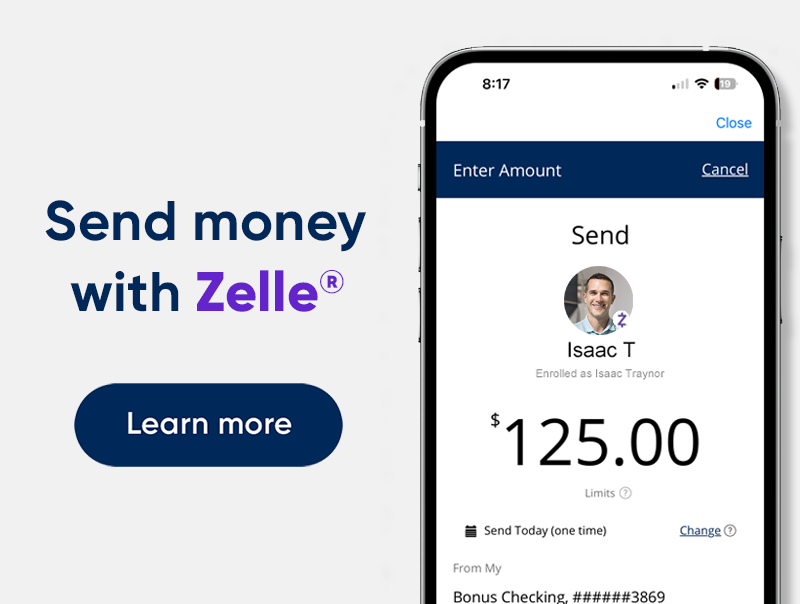
Yes, we offer Zelle® as a fast, safe, and easy way to send and receive money with friends, family, and others you trust — right from our online and mobile banking platforms.
For more details on how to get started and use Zelle®, please visit our Zelle information page.
FourLeaf is all about making your banking easy and convenient. To set up automatic bill payments you have a couple of options.
Paying Auto and personal loans
To set up automatic, recurring payments on your FourLeaf Loans you can do so simply by logging into your online banking > Transfers/Pay a Loan.
You can choose to schedule this transfer monthly. That way your loans are paid automatically.
Paying home mortgages and loans
For more information on how to pay or manage your loan please visit our Real Estate Loan Servicing information page
Paying Auto and personal loans
To make a principal payment on your home loan, log in to Online Banking and click on the “Manage Loan” option. This will provide you with the most up-to-date payoff information.
Paying home mortgages and loans
if you need assistance with making home loan payments, please visit our support page.
Depending on the type of loan, you may be able to view your payoff amount and make the payment within Online Banking. On the “Transfer/Pay a Loan” page, navigate to the “Payment” drop down menu and look for the “Payoff” option.
If the payoff option is not available, your loan type is not available for payoff within online banking.
If you have an Auto, RV or Unsecured loan, click here or you can also call us at 1-800-628-7070.
Please Note: If you have a Real Estate loan ( Home Equity or Mortgage ) please call us at 866-399-2586.
Explore Digital Banking demos
View the full library of tutorials and demos to help you manage all aspects of FourLeaf’s Digital Banking services.
Thanks for your feedback!
Zelle® and the Zelle® related marks are wholly owned by Early Warning Services, LLC and are used herein under license. Terms and Conditions apply. Learn more at fourleaffcu.com/zelle.
10152025991