


Have confidential or account-related questions? Speak with a Call Center representative.
1 800 628 7070
Mon – Fri: 7:30 AM – 7:00 PM (ET)
Sat: 8:00 AM – 2:00 PM (ET)
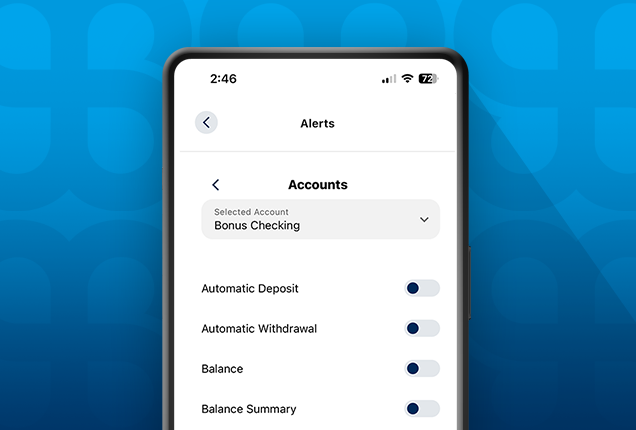
Banking on the go provides secure, convenient access
to your accounts anytime, anywhere.
- Pay bills
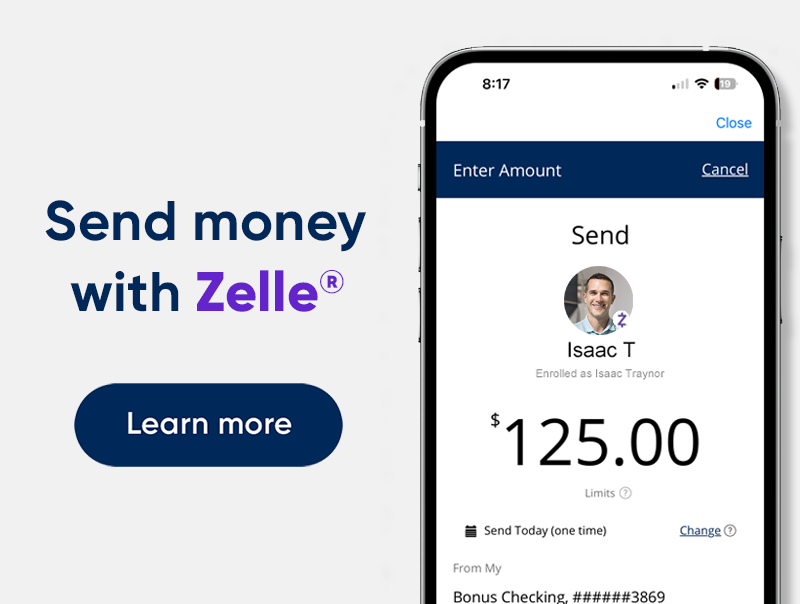
- Send money to friends
- Deposit checks


Frequently asked questions
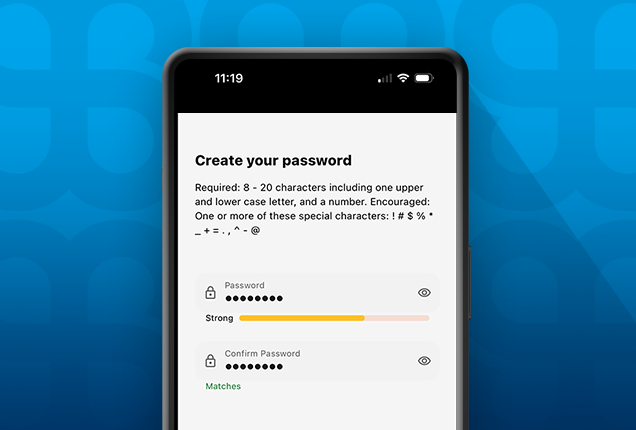
If you’ve forgotten your Digital Banking Password, it’s easy to reset it.
You’ll need to have your Username and your SSN handy. Also, you may be prompted to receive and enter a passcode to verify your identity.
Click Here to reset your Password.
Need a step-by-step walkthrough?
Check out our interactive demo:
Reset your Digital Banking Password.
It’s easy to register for FourLeaf Digital Banking.
In addition to basic personal information, you’ll want to have these handy:
- Your SSN
- A FourLeaf Account Number (other than a home loan)
If you are unable to locate your FourLeaf Account Number, please visit a branch or schedule an appointment for assistance.
Click Here to register for Digital Banking. Click Here to register for Digital Banking.
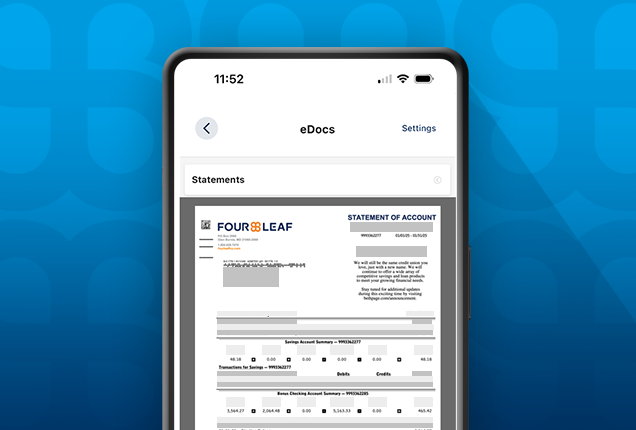
Tax statements (1099s) are mailed to members in late January, at which time they are also available in Digital Banking. You can view your tax statements online by logging into online banking and going to eStatements/Notices.
Not yet registered for Digital Banking?
Click Here to register for Digital Banking.
Click Here to register for Digital Banking.
1. Your device’s software is up to date.
2. Your phone is running the latest version of the FourLeaf Digital Banking Mobile App.
Start by checking that you’ve selected “Save Username” on the Digital Banking Login page.
While some devices may provide the option to save both Username and Password; this is a device setting and not a FourLeaf Digital Banking feature.
To use your face or fingerprint to log in to FourLeaf Digital Banking, turn it on in your Digital Banking Settings under “Biometrics”.
Before Biometrics can be used you may also need to make changes to your phone’s Settings such as allowing access to the camera, etc.
Please note:
- If you change your Digital Banking Username or Password, you will need to re-select Biometrics in your Digital Banking Settings.
- Biometrics are highly dependent on your device’s finger pad or camera, lighting, eyeglasses, changes in facial hair or makeup, and other things.
The security of your information is the highest priority for FourLeaf. This feature keeps bots and other malicious traffic out of Digital Banking, but in rare cases it can pose a challenge to FourLeaf members. Some steps that might help:
1. For desktop: Clear your internet history (cookies, browser cache, etc.). Close the browser and then try again.
2. For the FourLeaf Mobile App: Close the app and then try again. Turning Biometrics on may also resolve the issue.
Please note: Using a VPN or proxy to access the internet can also interfere with this important security step.
The security of your information is the highest priority for FourLeaf. This feature helps to prevent unauthorized access to your Digital Banking account. You may be asked to enter a passcode when logging in from a device, WiFi network or a location that you haven’t used recently.
Explore Digital Banking Demos
View the full library of tutorials and demos to help you manage all aspects of FourLeaf’s digital banking services.