


Have confidential or account-related questions? Speak with a Call Center representative.
1 800 628 7070
Mon – Fri: 7:30 AM – 7:00 PM (ET)
Sat: 8:00 AM – 2:00 PM (ET)
Banking on the go provides secure, convenient access
to your accounts anytime, anywhere.
- Pay bills
- Send money to friends
- Deposit checks


Most popular questions
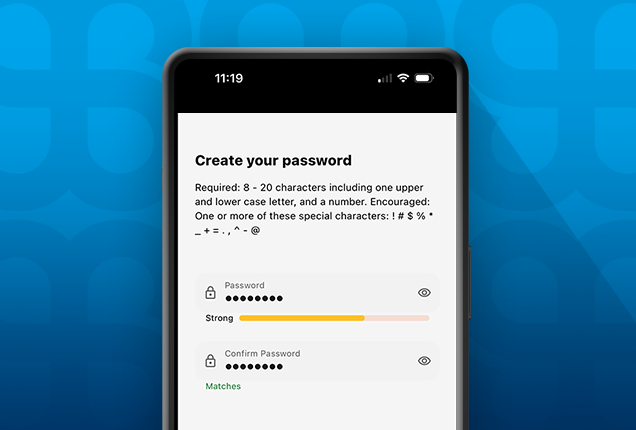
If you’ve forgotten your Digital Banking Password, it’s easy to reset it.
You’ll need to have your Username and your SSN handy. Also, you may be prompted to receive and enter a passcode to verify your identity.
Click Here to reset your Password.
Need a step-by-step walkthrough?
Check out our interactive demo:
Reset your Digital Banking Password.
It’s easy to register for FourLeaf Digital Banking.
In addition to basic personal information, you’ll want to have these handy:
- Your SSN
- A FourLeaf Account Number (other than a home loan)
If you are unable to locate your FourLeaf Account Number, please visit a branch or schedule an appointment for assistance.
Click Here to register for Digital Banking. Click Here to register for Digital Banking.
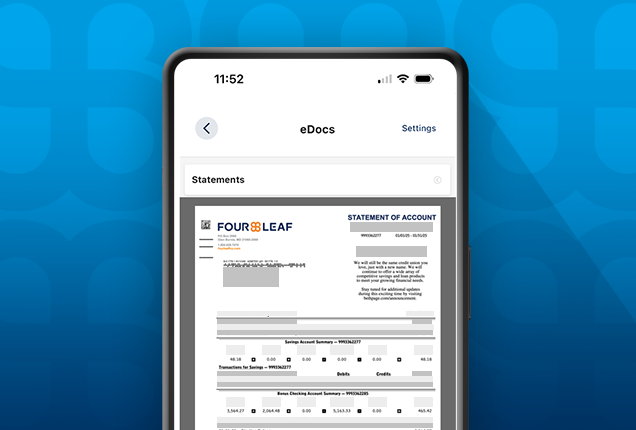
Tax statements (1099s) are mailed to members in late January, at which time they are also available in Digital Banking. You can view your tax statements online by logging into online banking and going to eStatements/Notices.
Not yet registered for Digital Banking?
Click Here to register for Digital Banking.
Click Here to register for Digital Banking.
Explore Digital Banking Demos
View the full library of tutorials and demos to help you manage all aspects of FourLeaf’s digital banking services.